
How to Deal with Difficult Guests: Essential Tips for DJs & Hosts to Save the Vibe
2026-03-06
How to Build the Ultimate DJ Do-Not-Play List and Avoid Awkward Requests
2026-03-22
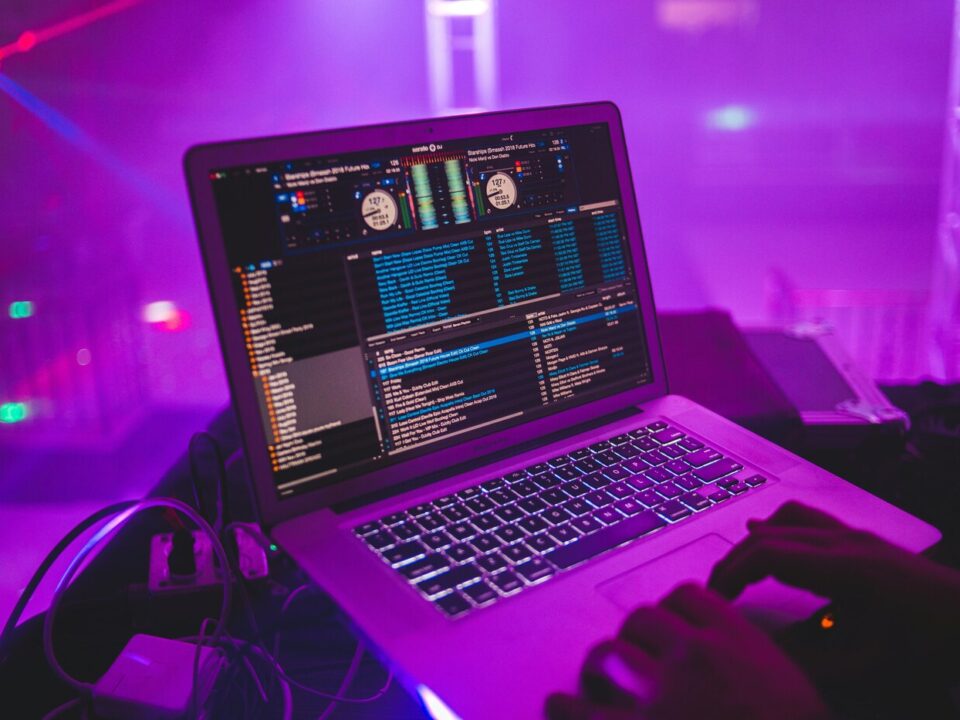
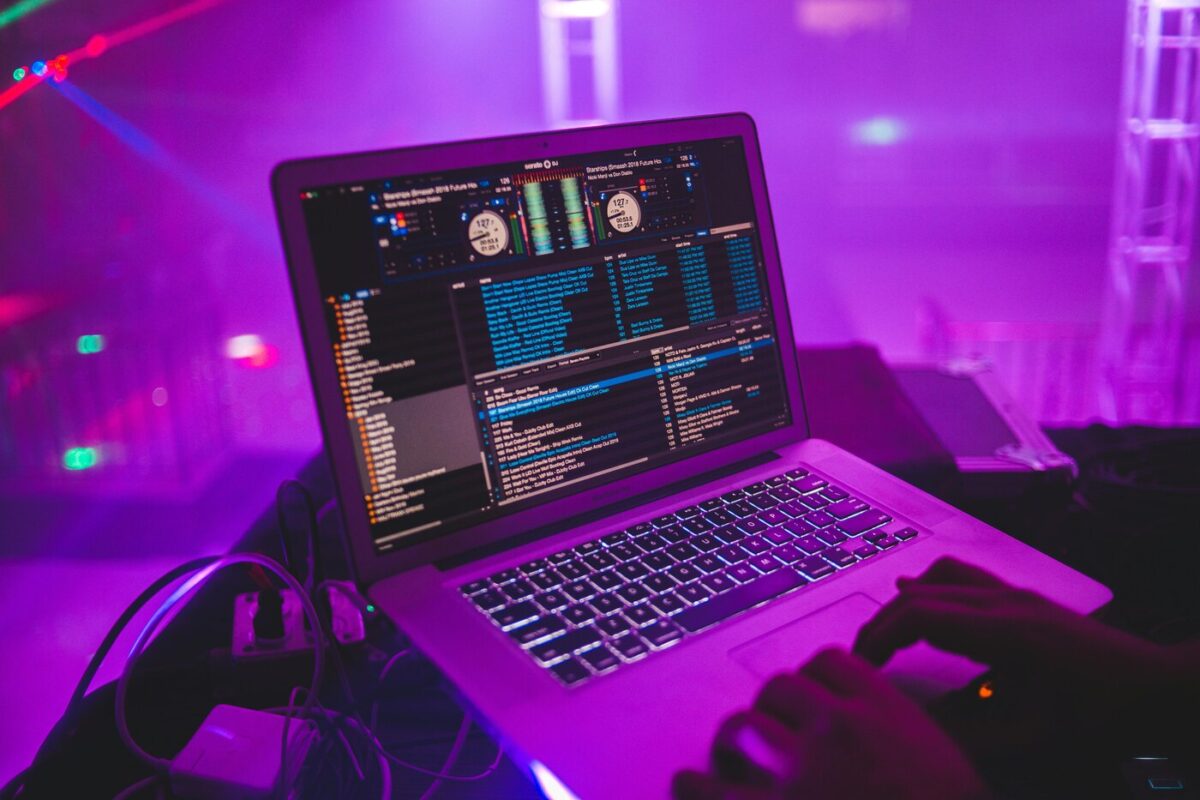
This Virtual DJ Review breaks down what matters most to DJs on actual gigs. I’ve used this software in bars, weddings, and mobile sets, and I know what works and where it stumbles. Here, I focus on practical experience rather than hype. If you want to decide what fits your style, read on.
Pros
Setup and Hardware Support
Virtual DJ picks up most controllers without extra maps, which saves time before a set. It talks to standard MIDI gear out of the box, so you plug in and go. This ease matters when venue sound checks run behind. Older controllers behave just like newer units, which many DJs appreciate at busy gigs.
Tools for Creative Mixing
The software gives stem controls that let you pull vocals or instruments on the fly. That control changes how you build transitions and mashups mid‑set. Video mixing and karaoke tools live inside the same program, which beats juggling extra apps. I’ve found cloud playlist sync useful for planning tracks across multiple machines.
Pricing That Scales With You
You don’t pay to start, which lowers the entry barrier when you’re learning beat matching and effects. When you need advanced features or full controller support, paid licenses unlock them. DJs who play occasional gigs often stay on the free tier, while regular performers usually upgrade.
Cons
Interface and Learning Curve
The layout shows a lot at once, and that can overwhelm new DJs. Once you tweak decks, loops, and mappings, the interface feels intuitive. But reaching that point takes a few sessions. DJs familiar with other software note that deeper features hide behind menus and tabs.
Performance and Support
On solid hardware Virtual DJ runs clean, even with effects and stems active. I’ve seen occasional glitches when pushing video and multiple decks. Updates come often and improve stability, but support responses vary. Many DJs share tips and fixes in community forums, which often help faster than official support.
Final Take
This Virtual DJ Review shows that the software has useful features but also clear limitations. Setup and creative tools work well for many DJs, yet the interface can feel cluttered and advanced features take time to master. DJs should consider whether these trade-offs will help or hinder their performance before deciding to commit.